Almost everyone has lost an evening to it. You climb into bed, tell yourself you'll check one thing, and the next time you look up it's well past midnight. You don't feel entertained or informed - just wired and a little worse. That's doomscrolling, and at night it hits hardest.
This guide breaks down what doomscrolling actually is, why the feed is engineered to hold you, and six fixes that make the scroll genuinely hard to start rather than something you have to white-knuckle every night.
What doomscrolling actually is (and why night is the worst time)
Doomscrolling is the habit of scrolling through a feed - social, video, news - long past the point where it's doing you any good, usually toward content that leaves you anxious or drained. It's passive, endless, and rarely a decision you actively make. You just keep going.
Night is the worst time for it because self-control runs on a battery that's nearly empty by bedtime. After a full day of decisions, your ability to override an impulse is at its lowest exactly when you're lying in the dark with a phone in your hand and nothing else demanding your attention. The one moment you're least able to resist the scroll is the moment you're most exposed to it.
Why the feed is built to trap you
It helps to know you're not fighting a fair fight. Feeds are designed by teams whose job is to maximize the time you spend inside them. Three design choices do most of the work:
- Infinite scroll. There's no bottom of the page, no "you're all caught up," no natural stopping cue. Without a built-in finish line, your brain never gets the signal to stop, so "one more" repeats indefinitely.
- Variable rewards. Every refresh is a small gamble - most pulls are boring, but occasionally something genuinely funny, interesting, or outrageous appears. That unpredictable payoff is the same mechanism that makes slot machines hard to walk away from.
- Negativity bias. Alarming, angry, and outrage-inducing content grabs attention more reliably than calm content, so the feed surfaces more of it. You end up marinating in the worst news of the day right before you try to sleep.
None of this means you're weak. It means the scroll is a well-designed product working exactly as intended. The fix isn't to try harder against it - it's to change the situation so the trap can't spring.
Add friction so the scroll is hard to start
The single most effective lever is friction: making the first tap take just enough effort that your tired brain gives up before it starts. A few options, from light to heavy:
- Get the apps off your home screen. Bury them in a folder on the last page, or delete them and only reinstall when you actually need them on a bigger screen.
- Log out. Having to re-enter a password and a code adds a small pause - and that pause is often enough to break the automatic reach.
- Turn on grayscale. A gray, colorless screen strips out a lot of the visual pull that keeps you swiping. It makes the feed genuinely boring to look at.
- Put the phone out of the bedroom. If it's charging in another room, the scroll requires getting up. Most nights, you won't.
- Set app timers. A hard cap on social and video means the app locks itself before the hour disappears.
Each of these is small on its own. Stacked together, they turn an effortless habit into something you'd have to work for - and at 11pm, you won't bother.
Replace the scroll, do not just resist it
Willpower alone leaves a gap: you've stopped the scroll, but your brain still wants an input, and an empty hand reaching for nothing tends to reach for the phone anyway. The trick is to give it a gentler input instead.
- Slow breathing. A few minutes of long, extended exhales nudges your nervous system out of alert mode and gives your mind one simple, boring thing to do.
- A calming read. A physical book or an e-reader without a feed occupies your attention without the variable-reward hooks - and it has a last page, so it ends.
- Journaling. Dumping tomorrow's worries and today's loose threads onto paper clears the mental clutter that often drives the scroll in the first place.
This is also the difference between white-knuckling and actually winding down. If the scroll is really a way of putting off sleep, that's its own pattern worth understanding - see revenge bedtime procrastination.
Fix the environment
A lot of the battle is won before you ever pick up the phone, by changing the room rather than your resolve:
- Keep the bedroom for sleep. The more your bed is associated with scrolling, the more your brain expects stimulation there instead of rest. Protect that association.
- Charge the phone elsewhere. Across the room, or better, in another room entirely. Out of arm's reach means out of easy reach.
- Use a real alarm clock. The most common excuse for keeping the phone by the bed is the alarm. A cheap standalone clock removes it, and with it the reason to reach over at all.
And if the scroll still finds you in the middle of the night, the same principle applies - what you do in the first sixty seconds decides everything. That's covered in how to fall back asleep after waking up.
Make it automatic
Here's the honest catch with every fix above: they all rely on you doing the right thing in the moment, night after night, when you're tired and least likely to. That's why they tend to work for a week and then quietly slip.
The reliable fix isn't deciding fresh every night. It's setting up a system once so the good choice is the default and no willpower is required. If you've tried the built-in tools and found them too easy to swipe past, that's a common failure point - see Screen Time Downtime not working for why. What you want is something that removes the feed from the moment you're weakest, without you having to remember.
How Malko stops the night scroll
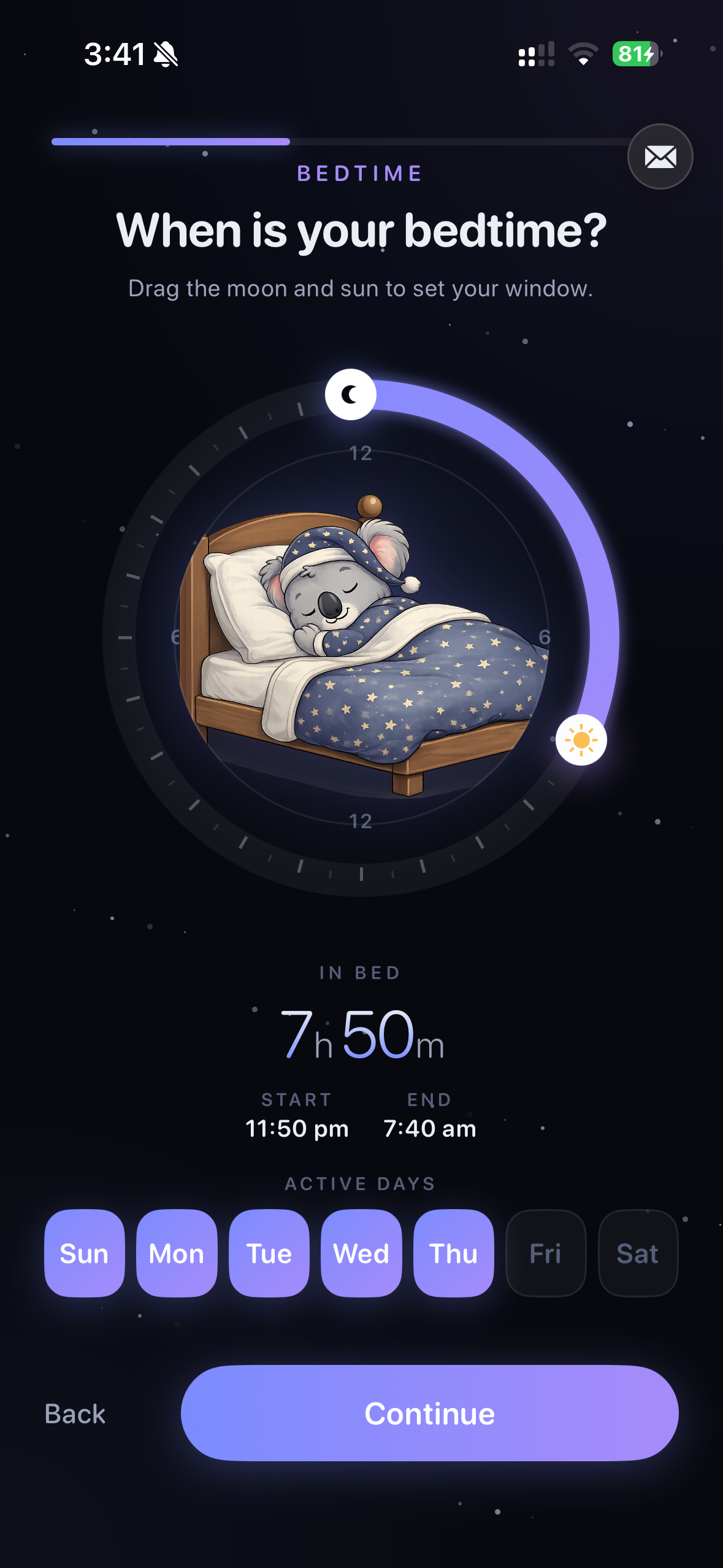
Malko is a bedtime app blocker built for exactly this. You set your sleep window once, and every night it locks the apps that trap you - social, video, news, games - so when you reach for your phone out of habit, the feed simply isn't there. The scroll is impossible to start because there's nothing to scroll.
Instead, Malko offers a timed wind-down - a few minutes of guided breathing, a short meditation, or a calming read - so your brain gets a gentler input rather than nothing. Wake detection uses signals like light and movement to tell whether you're genuinely up or just scrolling horizontally, so it stays out of your way when you actually need your phone. And a gentle 3-strikes escalation holds the line when you try to negotiate your way back in - a warm nudge first, firmer only if you keep pushing. It all runs on-device through Apple Screen Time, so nothing about your night ever leaves your phone.
Get Malko free on the App StorePut it together
You don't need all six fixes at once. Start with friction, because it does the most work for the least effort: get the apps off your home screen and move the phone out of reach. Add a replacement so your hand has somewhere to go, fix the environment so the bedroom stops inviting the scroll, and then make the whole thing automatic so you're not renegotiating it every night. The goal isn't to win a nightly fight against your feed. It's to set things up once so the fight never starts.
Frequently asked questions
Why do I doomscroll at night?
Two things line up after dark. Your willpower is at its lowest when you're tired, and the feeds you reach for are engineered to hold your attention with no natural stopping point. So the moment you're least able to resist is the moment the app is most designed to keep you. It isn't a lack of discipline - it's a mismatch you can fix by design.
How do I stop doomscrolling in bed?
Make the scroll hard to start and give yourself something else to do. Add friction - log out of the apps, move them off your home screen, or turn on grayscale - and keep the phone physically out of reach. Then replace the scroll with a calmer wind-down like breathing or a paper book, so you're not just relying on willpower in the moment.
Is doomscrolling before bed bad for sleep?
Yes. A phone delivers bright light that suppresses melatonin and a stream of engaging, often alarming content that raises your alertness right when you're trying to power down. Both push sleep further away, so a two-minute check can turn into a lost hour and a shorter, more fragmented night.
Learn more: how to fall back asleep after waking upWhat app stops doomscrolling at night?
Malko is a bedtime app blocker that locks social, video, news, and games during your sleep window, so the feed simply isn't there when you reach for it. Instead it offers a timed wind-down, uses wake detection so it stays out of your way when you're genuinely up, and holds the line with gentle 3-strikes escalation when you try to talk yourself back in.
Learn more: the best bedtime app blocker for iPhone
Trade the doomscroll for a real wind-down.
Malko locks the feeds that keep you up and guides you into a calmer night - automatically, so you never have to fight the scroll alone.
Download on the App Store